
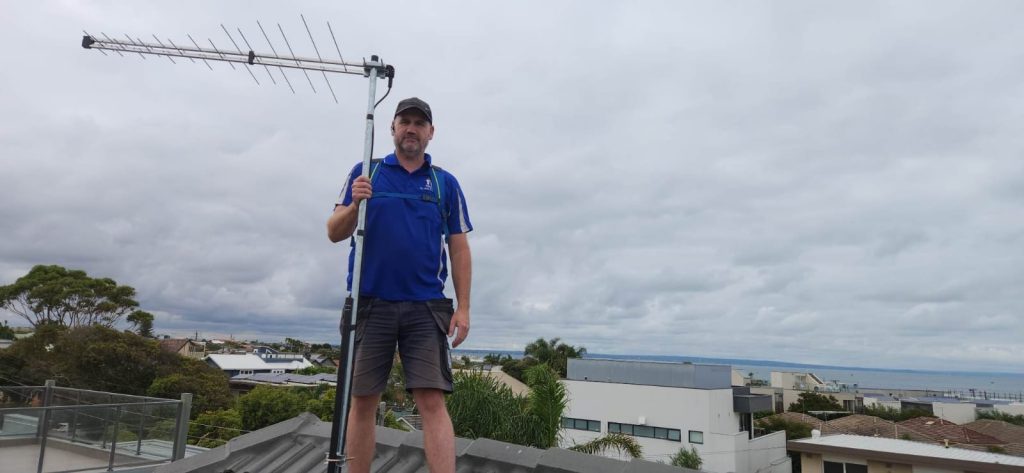
No internet? No problem. Get crystal-clear free-to-air TV with these expert-approved fixes — from Melbourne’s most trusted antenna installers.
Frustrated with pixelated screens, missing channels, or that dreaded “No Signal” message? You’re not alone. Many Melbourne homeowners face weak TV reception — especially in hilly suburbs, older homes, or areas far from transmission towers.
The good news? You don’t need the internet to fix it.
At DJTV Services, Melbourne’s leading TV antenna installation experts, we’ve helped thousands of households restore perfect HD reception — no streaming, no buffering, just pure, free broadcast TV.
In this guide, we’ll walk you through practical, proven ways to boost your TV signal — without touching your Wi-Fi — and when it’s time to call in the pros.
The #1 cause of weak signal? Your antenna is pointing the wrong way.
Melbourne’s main TV transmitters are located at:
If you’re in Ringwood, point East. In Footscray, point South-East. In Frankston? You might need a combo.
DIY Fix: Use a free app like TV Antenna Direction (Australia) or check mySwitch.digitalready.gov.au to find the correct bearing for your suburb.
Warning: Climbing on roofs is dangerous. If you’re unsure, call DJTV Services — we’ll align it perfectly with professional signal meters.
Still using that rusty antenna from the 90s? Analog antennas don’t cut it for digital TV.
Digital signals require UHF band antennas designed for today’s broadcast standards. Older antennas may not pick up HD channels or multichannels (like 7Mate, 9Go!, 10 Bold).
DIY Fix: Look for “Digital TV Ready” or “HD Antenna” labels. But don’t guess — antenna type depends on your location
Trees, metal roofs, double-brick walls, and even new energy-efficient windows can block or reflect TV signals.
DIY Fixes:
Pro Tip: Test reception with the TV on battery (if portable) — some power supplies cause interference.
That flickering picture might not be the antenna — it could be a $5 cable.
Old, damaged, or poorly shielded coaxial cables are silent signal killers. Loose wall plates or corroded connectors also degrade reception.
DIY Fix:
A masthead amplifier can work wonders — if installed correctly.
Big Mistake: Slapping on a cheap booster from the hardware store often makes things worse. Why? It amplifies noise along with signal.
Pro Fix: A professional-grade masthead amplifier, installed close to the antenna (not indoors), matched to your signal strength.
Only use a booster if your signal is weak but clean. If it’s noisy, boosting won’t help — you need a better antenna or position.
Running 3 TVs off one antenna? You need a distribution amplifier, not a simple splitter.
Standard splitters reduce signal strength by 50% per output. A powered distribution amp keeps the signal strong across all TVs.
DIY Option: Look for “4-way amplified splitter” — but ensure it’s compatible with digital TV.
Pro Option: DJTV Services can install a central splitter system with individual amplifiers per TV — perfect for large homes.
Tried everything and still getting snow? It’s time to call Melbourne’s antenna experts.
We offer:
Why wrestle with YouTube tutorials or gamble on cheap hardware? DJTV Services has the local knowledge, certified technicians, and premium gear to get you every free-to-air channel — in stunning HD — without relying on the internet.
Copyright © 2024 DJTV Services. All Rights Reserved.
Concept, Design, Development & SEO By TechsphereGlobal